
Blog
4K Outdoor Wireless Camera System With Local Recording (No Monthly Fees)

An installer-first guide to planning a 4k local security camera setup for outdoor wireless jobs with dependable Wi‑Fi, correct lenses, and properly sized local storage to avoid call-backs and missed evidence.
- Start with a proper site survey: define whether each view needs deterrence, monitoring, or positive identification—then lock in camera count, mounting heights, angles, and night expectations before quoting.
- Choose the right local-recording architecture for the site: PoE to NVR for maximum reliability, Wi‑Fi to NVR when cabling is impractical (but only with designed Wi‑Fi), and microSD edge recording mainly for small/temporary setups.
- Size storage to retention targets using real-world variables (bitrate, FPS, codec, continuous vs motion, seasonal outdoor movement) and enable NVR health alerts so failures are flagged before an incident.
- Design for evidence-quality images: use varifocal where identification matters, manage lighting/WDR/IR to avoid flare and blown highlights, and specify IP67 and IK ratings for exposed or reachable cameras.
- Make “wireless” dependable: validate signal at mounting height, use properly placed access points with wired backhaul where possible, apply VLAN/QoS and strong credentials, and manage bandwidth with H.265, sensible FPS, and sub-streams.
If you’re planning a 4K local-recording outdoor wireless CCTV setup in Manchester, these installer checks most directly protect recording reliability and reduce call-backs.
- Pick the right architecture first: PoE to NVR for maximum reliability, Wi‑Fi to NVR when cabling is impractical, microSD only for low-risk/single-camera jobs.
- Size storage to retention (with headroom): confirm codec, bitrate, FPS, and continuous vs motion so the client can actually retrieve footage weeks later.
- Validate Wi‑Fi at mounting height: plan access points and backhaul instead of relying on the router, and use stable IP addressing for support.
- Design for identification, not “4K everywhere”: lens choice, mounting position, and lighting control matter more than resolution for faces/plates.
- Build for Manchester weather: IP67 as baseline, IK where reachable, weatherproof power/junctioning, and tidy mounting to prevent winter failures.
These five checks work together: the right architecture supports stable recording, storage sizing protects retention, and good Wi‑Fi/power/mounting prevents intermittent faults that are hard to diagnose after handover.
For trade installers, a reliable 4K local-recording outdoor wireless CCTV setup is rarely about chasing the highest spec on paper. It’s about predictable performance on real sites, a clean handover, and fewer return visits. Outdoor “wireless” installs add variables: Wi‑Fi coverage at height, night lighting, weather exposure, and power routing that still needs doing properly. When local recording is required (often to avoid subscription costs and keep footage on-site), decisions around architecture, storage, and network stability matter as much as the camera model. This guide follows an installer-first approach with practical checks that apply across domestic and light-commercial work in Greater Manchester.
Table of Contents
Project scope and site survey: what to confirm before you spec the system
A strong survey prevents two common outcomes: overbuying (expensive kit that doesn’t improve usable evidence) or under-delivering (a system that “works” but can’t identify anyone). Start by defining the risk areas and what success looks like at each viewpoint: deterrence coverage, general monitoring, or positive identification. Identification requirements change everything. Faces at a doorway or plates at a driveway need tighter fields of view, better lighting control, and more careful mounting than broad yard coverage.
Confirm the camera count, mounting heights, and angles early, because “we’ll adjust it on the day” often becomes compromised views once ladders go up and brackets are fixed. Align expectations with the end client: if they expect plate capture at night, design specifically for that outcome rather than assuming 4K resolution will do the job by itself.
Assess lighting and reflective surfaces, because outdoor image quality is usually limited by light, not pixels. Look for reflective targets (white walls, glossy doors, wet paving, vehicle paint) that can trigger IR flare or blown highlights, which you’ll see more often on rainy Manchester evenings and in winter. Identify likely tamper points (reachable cameras, low walls, drainpipes, flat roofs) to inform mounting height, anti-tamper fixings, and whether you need vandal-rated housings.
Even for wireless cameras, map cable routes for power and protection. Mains still has to come from somewhere, and an exposed plug-top PSU in a soffit is a common source of moisture ingress and faults. Where possible, plan weatherproof junctioning and safe isolation, and document it for smoother commissioning and a cleaner handover pack.
Choosing the right architecture for Manchester installs: local recording with no monthly fees
Local recording without monthly fees is straightforward when the architecture matches site constraints and the client’s expectations. In practice, you’ll see three true local paths: wired PoE cameras recording to an NVR, Wi‑Fi cameras recording to an NVR, or edge recording to microSD on each camera. Each can work, but each fails in different ways, and those failure modes usually determine your call-back rate.
Treat Wi‑Fi as a transport choice, not a shortcut. Recording, retention, and support requirements remain the same regardless of how the video reaches storage. For trade installs across Manchester and surrounding areas, consistency and serviceability typically matter more than feature-heavy specs that become a support burden later.
Architecture options (and what they’re best for)
| Architecture | Best for | Key strengths | Typical trade-offs / failure modes |
|---|---|---|---|
| PoE cameras to NVR | Higher-risk or higher-expectation sites | End-to-end control of power/data; predictable bandwidth; easier troubleshooting; higher uptime | Requires achievable cable routes |
| Wi‑Fi cameras to NVR | Where data cabling is impractical, but centralised storage is still required | Centralised recording/export; works well when Wi‑Fi is designed with proper AP placement/backhaul and validated at mounting height | Router-only coverage and weak links can cause dropouts/recording gaps; needs stable IP addressing |
| Edge recording to microSD | Single-camera, temporary, or minimal indoor hardware installs | Simple hardware footprint indoors | Fragmented maintenance/export/time sync; card health issues can remove evidence quietly; poor fit for higher-risk sites |
Once the architecture is selected, the next step is to remove unknowns that cause support issues later: confirm how footage will be accessed, how exports will be done, and what happens if Wi‑Fi drops or a drive reports errors.
Whatever route you choose, prioritise interoperability and long-term firmware support. Mixed-brand systems can work, but they’re where “almost compatible” behaviour appears: events not logging correctly, audio missing, smart motion features failing to trigger recordings, or ONVIF quirks after firmware updates. Using authorised, authentic stock reduces those risks and protects your reputation, especially in Dahua ecosystems where channel support, firmware consistency, and warranty clarity matter. As an authorised distributor, CUCCTV focuses on genuine partner supply and practical model matching so you can standardise builds and avoid call-backs caused by mismatched feature sets.
Local recording without monthly fees: storage sizing and retention planning
Storage planning is where many no-monthly-fees jobs succeed or fail, because the client’s confidence is tied to retrieving footage when it matters. Start with bitrate, FPS, codec (H.265/H.265+), and whether you’re recording continuously or on motion. A 4K stream at high FPS and high bitrate can consume storage quickly, and outdoor scenes in Manchester often change with the weather. Wind, rain, and low winter light can increase motion events and bitrates.
Build in headroom so retention doesn’t collapse seasonally, then document the expected retention range in the handover notes. Also confirm whether audio is enabled where appropriate, as it increases storage and can affect expectations and compliance considerations.
For NVR-based systems, select surveillance-grade drives and match capacity to the client’s risk profile. Domestic clients often accept shorter retention if access and exports are simple; commercial or higher-risk sites may require longer retention, dual drives, or a backup/export routine. If the install includes critical coverage (cash handling, gates, rear access), confirm whether RAID, mirrored storage, or a secondary backup path is required by internal policy.
Finally, configure the NVR to report drive health and recording failures. It’s far better to flag issues early than to discover missing footage after an incident. A well-sized, well-monitored storage plan is one of the simplest ways to reduce post-install support.
Outdoor camera selection: lenses, night performance, and weather ratings that hold up on site
Choosing the right outdoor camera is not about putting 4K everywhere. It’s about matching lens choice and sensor performance to what the client needs to identify. Fixed lenses like 2.8mm and 3.6mm are popular for quick installs, but they can be too wide for identification at distance, creating sharp-looking footage that still can’t confirm faces or plates. Varifocal models give you control to frame gates, doorways, and vehicle approaches without wasting pixels on sky and blank wall.
In practice, one or two properly aimed identification cameras often outperform several wide-angle 4K cameras that only provide general coverage. Balance the design so the system produces evidence, not just a live view.
Night performance needs equal attention, because 4K does not guarantee usable nighttime identification. True WDR helps when porch lights or street lamps create harsh contrast. Smart IR reduces overexposure at close range and avoids the “white face” problem near doorways. Colour night options can be excellent where there is consistent ambient light (for example, front elevations on busier Manchester roads), but they can introduce noise or blur if lighting drops. Validate assumptions on-site rather than relying on marketing claims.
For exposed North West locations, prioritise robust weather ratings and build quality: IP67 as a baseline for rain and wind-driven moisture, and IK ratings where cameras are reachable or likely to be struck. In higher-exposure sites, extra protection may be sensible where condensation and rapid temperature changes degrade image quality and reliability over time.
Wi‑Fi coverage and network stability: making wireless dependable outdoors
The difference between a dependable Wi‑Fi CCTV install and a problem job is usually decided before you mount the first camera. Validate signal strength at the actual mounting points, at height, and with doors closed, because soffit-level locations often behave differently to a quick phone test at ground level.
Design around common obstacles in Manchester properties: thick brick, foil-backed insulation, metal cladding, garages, and outbuildings can all crush signal or create unstable links that look fine until weather or interference changes. Rather than hoping the router reaches, plan proper access point placement, ideally with wired backhaul, so cameras have a stable, predictable path. This is especially important on larger domestic plots across Greater Manchester where garden distances and detached outbuildings are common, and clients expect consistent performance at the back gate as well as the front door.
Network setup affects recording integrity, not just live viewing. Segregating CCTV traffic with VLANs, or at least sensible QoS, helps prevent dropouts when the client is streaming, gaming, or working from home. Lock down credentials, change defaults, and apply a clear password policy because Wi‑Fi cameras add an attack surface that can become a handover issue for commercial clients.
Use static addressing or reserved DHCP leases so your NVR and cameras don’t move after a reboot, and document addresses for faster support. Plan bandwidth realistically: multiple 4K streams can saturate weak Wi‑Fi. Where appropriate, reduce FPS, enable H.265, and use sub-streams for mobile viewing while keeping the main stream optimised for recording quality.
Power and mounting: clean installs that reduce service visits
Power is a common source of outdoor faults, especially on wireless jobs where the need for proper routing and protection is underestimated. Decide early whether you’re using local mains PSUs, PoE where feasible, or a dedicated local supply at each camera, then design for safe isolation, neat termination, and weather protection.
Outdoor power should include surge protection where appropriate, particularly on exposed runs or outbuildings, because transient faults can mimic network problems and waste diagnostic time. Weatherproof junctioning is essential: moisture ingress and corrosion at terminations create intermittent issues that are difficult to reproduce on a service visit. A clean power plan also makes future upgrades easier, which many clients value as they expand systems over time.
Mounting quality is equally important because small shortcuts become maintenance issues after months of wind, rain, and temperature swings. Use correct fixings for the substrate (brick, render, timber, cladding) and avoid relying on lightweight plugs where vibration is likely. Drip loops, glands, and proper cable management protect terminations and reduce water tracking into housings and junction boxes.
Anti-tamper hardware and sensible mounting heights reduce the chance of cameras being turned, covered, or damaged, and they help you defend performance during handover. If the job includes compliance requirements or commercial expectations, tidy mounting and documented cable routes also support a more professional sign-off.
Common pitfalls (and how to avoid them) installers see on 4K wireless outdoor jobs
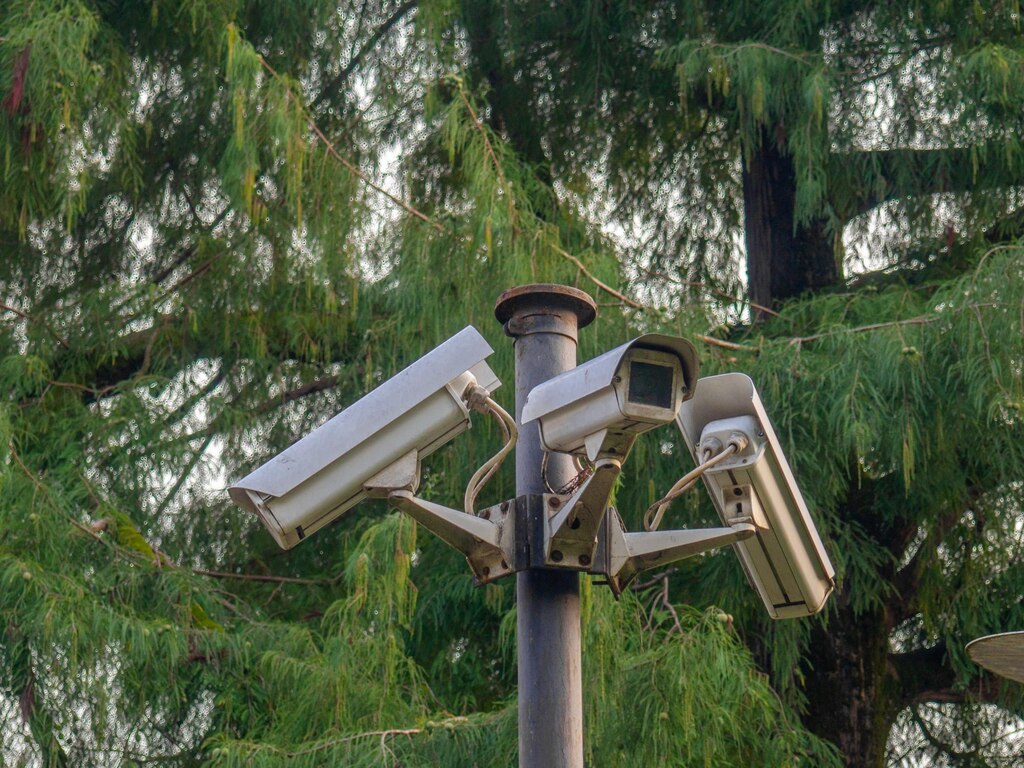
Most “the camera works but we can’t see anything” complaints have predictable causes. Undersized storage is a repeat offender: a system records fine for a few days, then overwrites too quickly, and the client discovers there’s no footage from the incident window. Poor Wi‑Fi planning is another, especially when cameras sit at the edge of coverage and drop in and out. Recording gaps are often missed until an export is needed.
Wrong lens selection is a quieter issue. Wide-angle 4K looks impressive in a demo, but it can’t identify at distance, and installers get pulled back to “zoom it in” after the client realises the limitation. Overlooking night lighting completes the list: IR reflections, porch lights, and dark zones can destroy detail regardless of resolution.
Compatibility and policy pitfalls also create avoidable friction at handover. Mixing incompatible kit or firmware can lead to missing events, broken playback, or inconsistent feature behaviour across channels, particularly after updates. Some clients, especially commercial, have procurement rules around NDAA or internal security policies, and ignoring these can delay sign-off even if the system is technically fine.
Weak cybersecurity settings are another common issue: default passwords, unmanaged remote access, and poorly documented credentials create risk and can become a support burden later. Standardising preferred architectures, documenting settings, and sourcing authentic, supported products reduces these problems and makes outcomes more predictable.
Spec-to-order checklist and trade support for Manchester installers: building a scalable kit for repeatable installs
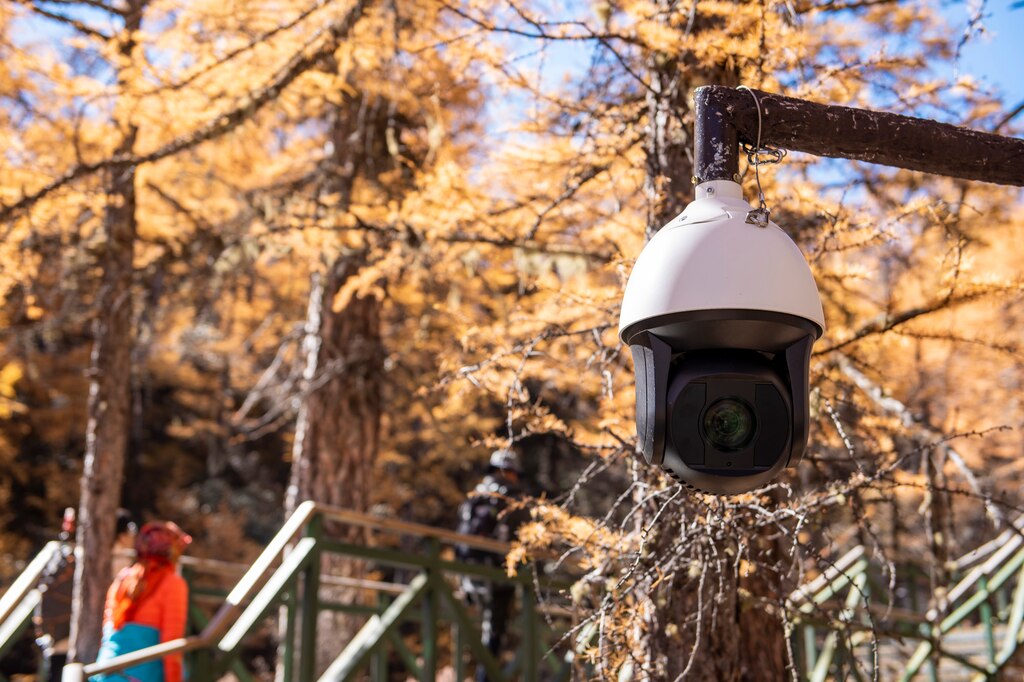
Repeatable installs come from repeatable specifications. A consistent bill of materials and commissioning approach reduces on-site improvisation and produces cleaner handovers across every job. It also makes scaling easier: the same core kit can cover most domestic and light-commercial projects, with known add-ons for difficult Wi‑Fi, higher retention, or identification-critical viewpoints.
Just as importantly, a checklist reduces missed items like glands, junction boxes, surge protection, or the right HDD class that can turn a smooth install into a second visit. Treat the spec stage as part of the install, not paperwork, and you’ll see fewer snags and faster completion.
Spec-to-order checklist
| Checklist area | What to confirm | Why it matters (call-backs reduced by) |
|---|---|---|
| Cameras and optics | Fixed vs varifocal lens, WDR needs, IR/colour night preference, IP67/IK where needed, heater requirements for exposed locations | Avoids “can’t identify” issues caused by wrong framing and poor night behaviour; improves durability on exposed sites |
| Recording and storage | NVR channel headroom, surveillance-grade HDD capacity to retention targets, motion vs continuous mode, health alerts enabled | Prevents retention collapse/overwrites and missed “drive failed / stopped recording” problems |
| Network and Wi‑Fi | AP placement/backhaul, VLAN/QoS where applicable, static IP/DHCP reservations, strong credentials, codec/FPS and main/sub-stream settings | Reduces dropouts and recording gaps; speeds up support with stable addressing and documented settings |
| Install hardware and commissioning | Weatherproof junctioning, glands/adaptors, correct fixings, surge protection, labels, commissioning sheet (time sync, user roles, export and playback tests) | Prevents moisture/corrosion and mounting failures; ensures reliable playback/export and smoother handover |
Using this checklist as a standard commissioning rhythm makes system behaviour more predictable across different properties, and it makes support faster because key settings and decisions are documented from day one.
CUCCTV supports trade buyers by making this spec-to-order process easier and more consistent. As a one-stop distributor with broad stock availability, you can source cameras, NVRs, drives, networking, and install accessories together, reducing compatibility surprises and saving time across procurement. For installers working locally, our Manchester branch (and Huddersfield location) gives you the option to collect quickly when schedules change or you need a last-minute part. Trade customers also get a dedicated account manager who can help sanity-check system design, match models to site requirements, and troubleshoot common setup issues so you can finish jobs cleanly and protect your margins. If you’re planning your next 4K local-recording outdoor wireless CCTV setup with no monthly fees, speak to CUCCTV for practical product guidance and a trade setup built for repeatable, reliable outcomes.
Frequently Asked Questions: 4K local-recording outdoor wireless CCTV
How do I choose between PoE, Wi‑Fi-to-NVR, and microSD for local recording?
Choose based on what you can control on-site and how important retention and uptime are. PoE to NVR is the most dependable because you control both power and data end-to-end, which makes it easier to guarantee recording continuity and diagnose faults. Wi‑Fi cameras to an NVR can be a solid option when cabling is impractical, but only if you design the Wi‑Fi properly (access points placed for the camera locations, ideally with wired backhaul, and stable IP addressing). microSD-only is best reserved for low-risk or single-camera jobs where the client understands that maintenance (card health, exports, time sync) is more manual and failures can go unnoticed.
How much storage do I need for a 4K local recording setup with no monthly fees?
Storage depends on how the cameras are configured and what the site looks like day-to-day. The key inputs are codec (for example, H.265/H.265+), bitrate, FPS, the number of cameras, and whether recording is continuous or motion-based. Outdoor scenes often generate more activity and bitrate fluctuations. Rain, wind, and shifting shadows can increase motion events, so retention can drop in winter if you don’t allow headroom. In practice, you should estimate retention, then add margin for seasonal change and client expectations. For handover, it helps to document a realistic retention range (for example, “approximately X–Y days depending on motion and lighting”) so the client isn’t surprised when conditions change.
Why do Wi‑Fi outdoor cameras work on the day, then become unreliable later?
This is usually caused by testing signal at the wrong location or under the wrong conditions. A quick phone test at ground level doesn’t reflect performance at soffit height, through brickwork, or with doors closed. Interference can also change after installation as the household adds devices or neighbours change Wi‑Fi channels. Weather can make marginal links worse, especially when moisture and temperature changes affect propagation and when cameras increase bitrate at night. The fix is design-led: validate signal at mounting height, use properly placed access points (preferably with wired backhaul), reserve IP addresses, and set bandwidth sensibly (H.265, appropriate FPS, and sub-streams for mobile viewing).
Does 4K guarantee I can identify faces or read number plates at night?
No. Resolution helps, but identification is mostly controlled by lens choice, field of view, mounting position, and lighting. A wide 4K camera can produce sharp footage that still doesn’t put enough pixels on a face or plate at the required distance. Night performance is even more sensitive: harsh porch lights or street lamps can wash out targets without WDR, and IR can cause flare from nearby walls or reflective surfaces. If identification is the goal, use tighter framing (often varifocal), control the scene (avoid sky and blank walls), and validate night behaviour on-site, not just in a daytime demo.
What weather and impact ratings should I specify for Manchester outdoor installs?
For Greater Manchester conditions, IP67 is a sensible baseline for rain and wind-driven moisture, especially on exposed elevations. If a camera is reachable or likely to be struck, look for an IK rating (vandal resistance) and consider anti-tamper fixings and more defensive mounting. Ratings alone aren’t enough if terminations are poorly protected: weatherproof junctioning, correct glands, drip loops, and tidy cable management often make the difference between a system that lasts and a system that develops intermittent faults after a wet winter.
What are the most important commissioning checks to reduce call-backs?
Focus on checks that prove the system will record and export reliably, not just show a live view. Confirm time sync is correct, verify continuous or motion recording behaves as agreed, and run a real playback and export test before leaving site. Check drive health reporting and recording failure alerts so problems are flagged early. On Wi‑Fi jobs, document IP addressing (static or DHCP reservations) and confirm signal stability at the camera location. Finally, confirm night performance after dark or in a controlled test, because many complaints only appear once IR and WDR behaviour is involved.
