
Blog
Dahua Camera Apps Compared for Mobile Monitoring

Key Takeaways
Understanding the differences between Dahua mobile apps helps homeowners and small business owners in Manchester choose a CCTV system they will genuinely use every day.
- DMSS is the recommended starting point for most users as it runs on both Android and iOS and is designed for straightforward day to day use without technical expertise.
- Remote viewing performance depends on your broadband upload speed and stream quality settings within the app; lowering the sub stream resolution often improves reliability over mobile connections.
- Camera app notifications in DMSS can be filtered by detection type, time schedule, and sensitivity level, which helps reduce alert fatigue and keeps you focused on events that genuinely matter.
- DSS Express suits small business owners managing cameras across multiple sites but carries a steeper learning curve that makes it less practical for typical residential setups.
- Features like multi channel live viewing, two way audio, and user permission controls deliver the most consistent everyday value and should be prioritised when evaluating any Dahua app and camera pairing.
Choosing the right Dahua system involves more than picking the correct camera resolution or housing type. The app you use to manage it shapes your experience every single day, from checking a live feed while away from home to reviewing footage after an incident. Understanding the differences between Dahua’s mobile monitoring options before committing to a system helps you avoid investing in solid hardware only to find the software side falls short.
This guide is written for homeowners and small business owners in and around Manchester who want a clear picture of what each Dahua app does and where its limits lie, whether you are self-installing or working with a professional installer.
Table of Contents
Which Dahua Camera App Should You Use?
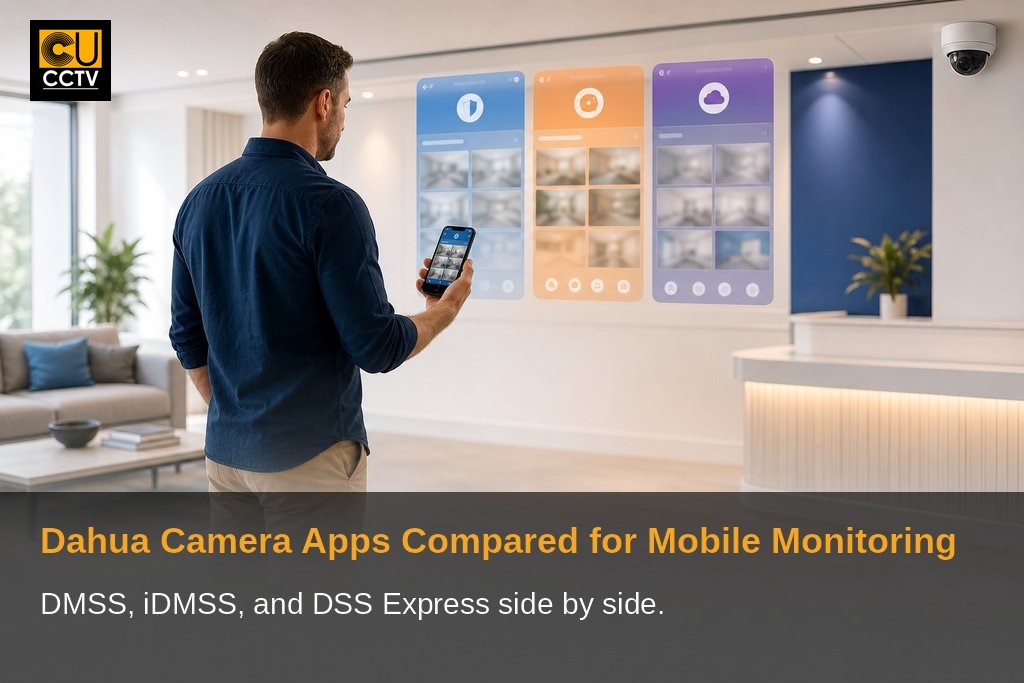
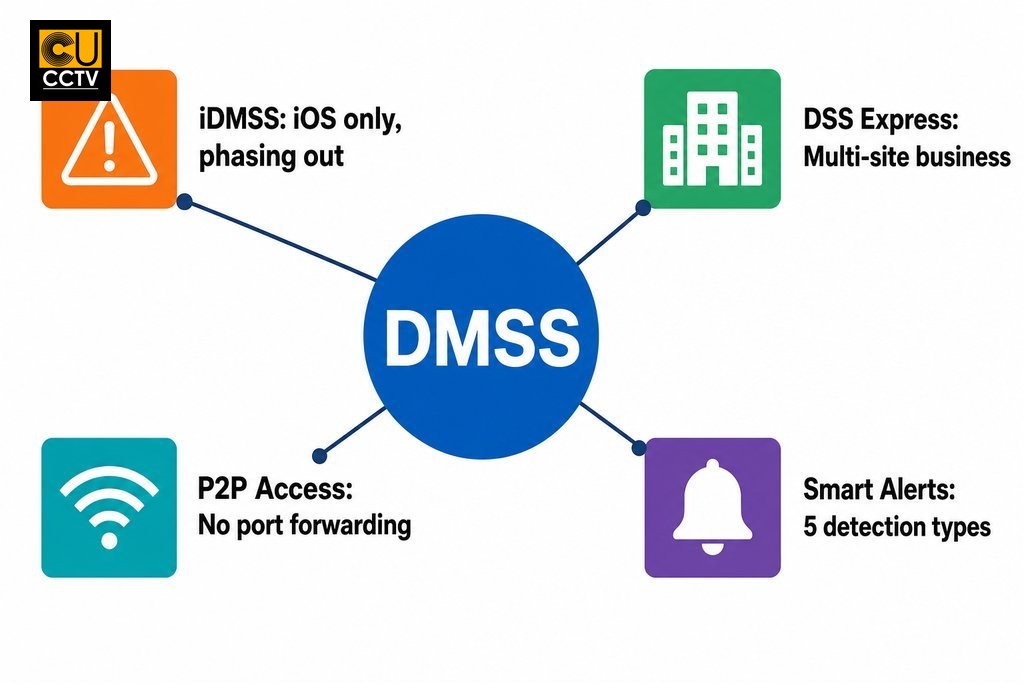
Dahua offers three main apps for residential and small commercial users: DMSS, iDMSS, and DSS Express. DMSS is Dahua’s current unified app for Android and iOS and the best starting point for most new users. iDMSS is an older iOS-only app that Dahua has been phasing out. It remains functional for existing users but is no longer recommended for new setups. DSS Express is a more advanced platform suited to users managing larger installations or cameras across multiple sites.
For most homeowners with a four to eight camera setup, DMSS is the right choice. Small business owners managing several locations, whether across Manchester city centre, Salford, or further afield, may benefit from DSS Express with professional setup support.
Why the Right App Matters as Much as the Camera
A CCTV camera records footage, but the app is how you actually use it. Without reliable mobile access, you lose the real-time visibility that makes modern surveillance genuinely useful. If you cannot check a live view quickly, receive a meaningful alert, or pull up a recording without difficulty, the value of your hardware diminishes considerably.
Before settling on a system, evaluate mobile monitoring features with the same care you would apply to the cameras themselves. Consider how easily the app handles remote access, how customisable its alert system is, whether it supports multiple cameras on a single screen, and how intuitive its layout is for a non-technical user. Getting clear on these points early prevents costly changes later.
DMSS vs iDMSS vs DSS Express: A Direct Comparison
Platform Availability and Device Compatibility
DMSS runs on both Android and iOS, making it the most accessible option for most buyers. iDMSS is iOS-only and is gradually being replaced. Before purchasing any Dahua kit, check that your smartphone’s operating system meets the app’s current minimum requirements, as older devices can occasionally encounter issues with newer firmware updates.
DSS Express is available on both major mobile platforms but carries a steeper learning curve. It suits IT-literate users or those with professional installation support rather than someone setting up a home system independently.
| Feature | DMSS | iDMSS | DSS Express |
|---|---|---|---|
| Platform | Android & iOS | iOS only | Android & iOS |
| Recommended for new setups | Yes | No (being phased out) | Yes (larger installations) |
| Best suited for | Homeowners, small setups | Existing iOS users only | Multi-site, business use |
| Interface complexity | Low | Low | High |
| P2P remote access | Yes | Yes | Yes |
| Account registration required | Yes | Yes | Yes |
| Professional setup recommended | Optional | Optional | Recommended |
Interface and Day-to-Day Usability
DMSS is designed with non-technical users in mind. Most property owners can navigate between live feeds, recorded footage, and notification settings without consulting documentation. DSS Express presents a denser interface that reflects its broader feature set. For a homeowner managing a small domestic system, that added complexity rarely delivers practical value. What matters most in daily use is how quickly you can pull up a camera feed or scrub through a recording, not the length of the feature list.
Remote Viewing for Manchester Properties: What to Expect
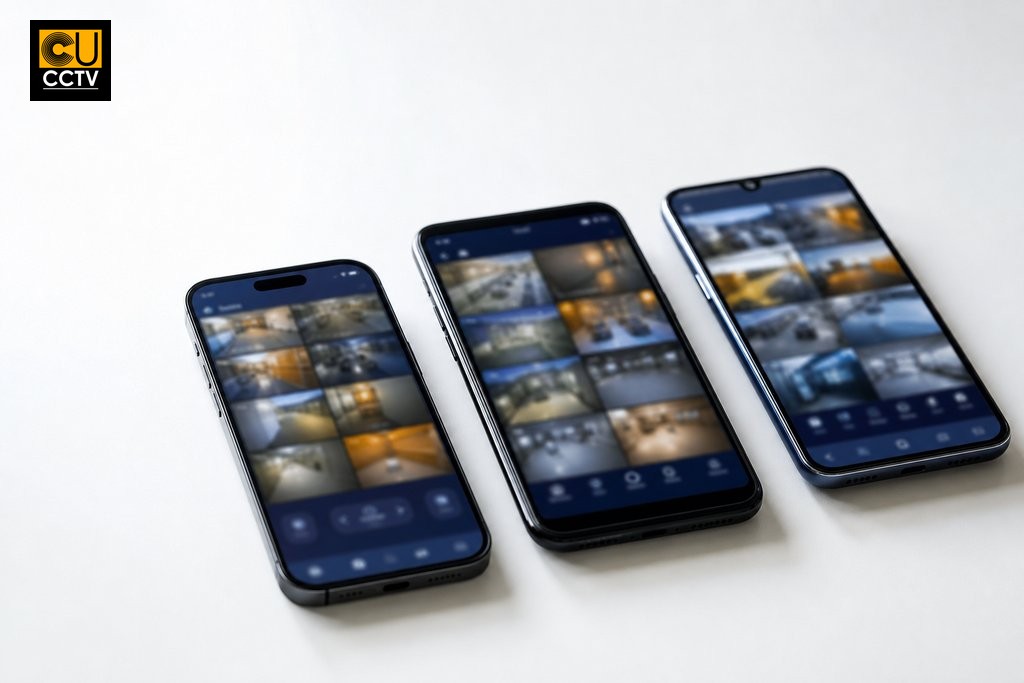
Remote viewing lets you access your cameras from anywhere via smartphone, tablet, or laptop. Performance depends on your home broadband upload speed, the camera’s resolution setting, and the stream quality selected in the app. Lowering the sub-stream resolution within DMSS is often the simplest way to improve performance on a 4G or 5G mobile connection, with no camera settings required. Most home broadband connections across Greater Manchester handle remote viewing comfortably when stream quality is configured appropriately.
A few seconds of latency is normal and expected. The app gives you awareness and the ability to act, not a zero-delay broadcast. For properties with limited upload speeds, enabling P2P mode through DMSS simplifies connectivity without requiring port forwarding on your router.
Notifications and Alert Customisation
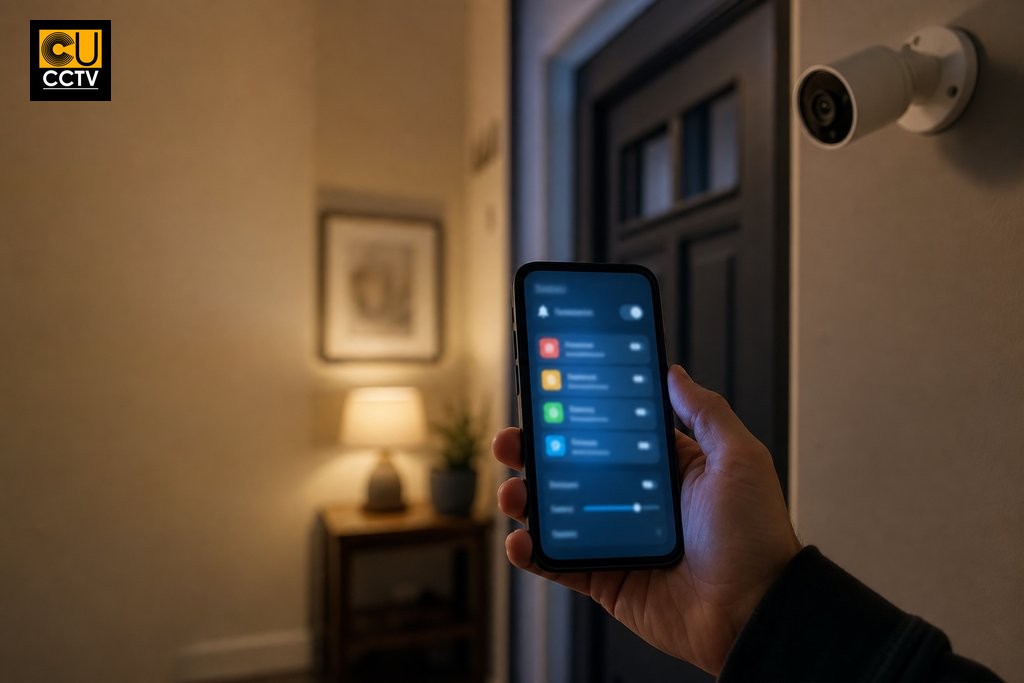
Push notifications are only useful when they are accurate and actionable. DMSS supports AI-based alert types including motion detection, line-crossing detection, intrusion detection, face detection, and missing object detection. Alerts can be filtered by detection type, time schedule, and sensitivity level, giving you real control over what triggers a notification.
A common mistake is leaving all detection types active at maximum sensitivity, which leads to notification overload and the habit of dismissing alerts without reading them. Take time during initial setup to decide which events genuinely need your immediate attention. Dahua’s AI features, including person detection, are designed to work in low-light conditions and can detect subjects even in obscuring clothing, which affects how accurately the app classifies real-world events.
| Alert Type | What It Detects | Recommended Sensitivity |
|---|---|---|
| Motion Detection | Any movement in defined zones | Medium; reduce if getting frequent false alerts |
| Line-Crossing Detection | Subject crossing a virtual boundary | Medium to high for entry points |
| Intrusion Detection | Subject entering a defined area | High for restricted zones |
| Face Detection | Human faces in frame | Depends on camera placement |
| Missing Object Detection | Object removed from a defined area | Low; enable only where needed |
Mobile App Features Worth Prioritising
Not every feature on a product page translates into regular use. The features that deliver genuine day-to-day value for most homeowners and small business owners are multi-channel live viewing, two-way audio, access to local NVR and cloud recordings, and user permission controls.
Multi-channel live viewing lets you see all feeds simultaneously rather than switching between them individually. This is essential if you have more than four cameras. Two-way audio allows you to communicate with visitors or deter suspicious activity in real time where cameras carry microphones and speakers. User permission controls let you restrict which cameras or functions each account can access, which matters when more than one person needs system access, such as a business owner and a member of staff.
Features like advanced facial recognition databases or licence plate logging typically require more infrastructure than a small installation supports. Ask specifically which features your chosen kit and app combination will actually enable before purchasing.
Limitations to Know Before You Set Up
P2P connectivity in DMSS has improved and removes the need for port forwarding in most home setups. However, complex routers, business-grade firewalls, or certain ISP configurations can still cause connectivity hurdles. If you are not confident managing router settings, involve a professional installer or request network support from your supplier.
Full app functionality requires account registration through Dahua’s cloud platform. Some users encounter delays or verification issues during initial setup. App updates occasionally change the interface or default settings, requiring brief re-familiarisation. Firmware and app updates are frequent enough to need occasional manual intervention to keep everything in sync.
Dahua is among the largest producers of CCTV security solutions in the world, and the platform receives regular development attention. That also means the update cycle is active. When weighing up your options as part of a broader Dahua vs Hikvision comparison, the app ecosystem and setup support available from your distributor can matter just as much as the hardware specification.
Choosing the Right Dahua System in Manchester
Matching app capability to your property type, camera count, and monitoring habits is the clearest way to arrive at a system you will actually use effectively. A homeowner with six cameras and a reliable broadband connection will be well served by DMSS with a Dahua NVR kit. A small business owner managing cameras across two sites, for example a retail unit in the Northern Quarter and a storage facility in Trafford, will benefit from exploring DSS Express with professional setup support.
In both cases, understanding the app before the hardware avoids mismatched expectations after installation. It is also sensible to factor in Dahua warranty considerations and long-term support when making your final decision, as these influence the overall value of your investment beyond the initial purchase.
As an authorised Dahua partner, CUCCTV is positioned to advise on compatible kits for both residential and commercial scenarios and can recommend the right app and camera pairing based on your specific situation. Trade account holders benefit from a dedicated account manager for project consultation and technical guidance. Whether you are purchasing your first system or expanding an existing installation, CUCCTV’s team in Manchester and Huddersfield is ready to help. Explore Dahua app options and compatible systems at CUCCTV or speak with the team directly to get advice matched to your property and monitoring needs.
Frequently Asked Questions About Dahua Camera Apps
What is the difference between DMSS and iDMSS?
DMSS is Dahua’s current app and works on both Android and iOS. iDMSS was an earlier iOS-only version that Dahua is phasing out. For any new system setup, DMSS is the recommended choice regardless of your device.
Can I use DMSS without port forwarding?
Yes. DMSS supports P2P connectivity, which allows remote access without configuring port forwarding on your router. This works well for most home users, though business-grade network configurations may still require additional setup.
Is DSS Express suitable for home use?
DSS Express is designed for larger or multi-site installations and has a more complex interface. For a typical home setup with up to eight cameras, DMSS is simpler and more practical. DSS Express suits small businesses managing cameras across more than one location.
Why am I receiving too many notifications from DMSS?
This usually happens when all detection types are active at maximum sensitivity. Within DMSS, you can filter alerts by detection type, time of day, and sensitivity level. Adjusting these settings during initial setup reduces false alerts and keeps notifications genuinely useful.
Does DMSS work on older smartphones?
DMSS supports most current Android and iOS devices, but older smartphones may experience compatibility issues following firmware or app updates. Check the minimum operating system requirements for the current DMSS version before purchasing if you plan to use an older device.
Do I need a Dahua account to use DMSS?
Yes. Full DMSS functionality, including cloud features and remote access, requires account registration through Dahua’s platform. Some users experience delays during initial verification, so it is worth completing account setup before your installation appointment if possible.
